Best VS Code Extensions for Web Developers (2025)
2025-06-26
Best VS Code Extensions for Web Developers (2025)
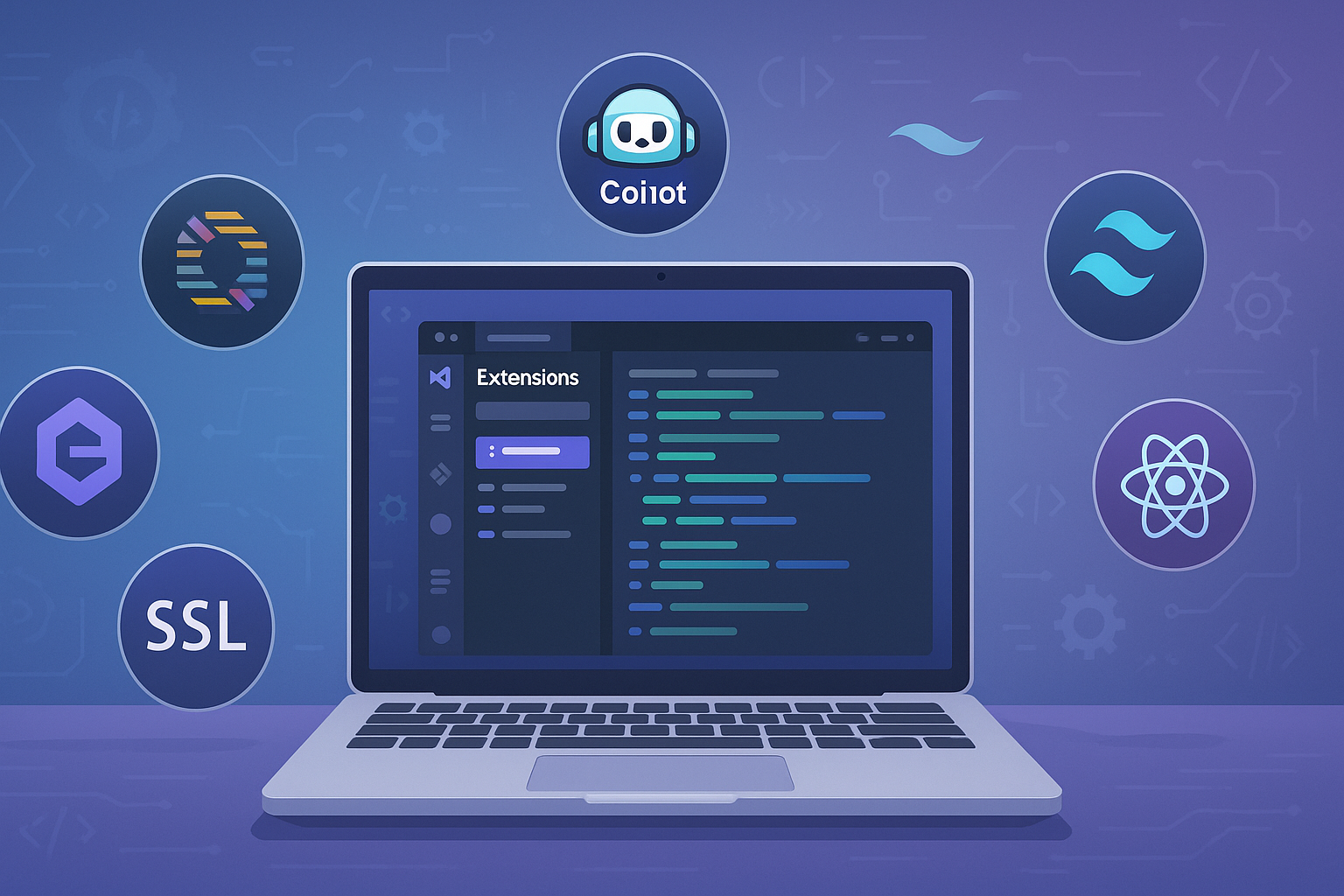
Visual Studio Code (VS Code) remains the most popular code editor for web developers in 2025 — thanks to its performance, flexibility, and huge extension ecosystem.
Whether you're working with React, HTML, CSS, JavaScript, or frameworks like Next.js, these handpicked extensions can supercharge your workflow.
🔍 1. ESLint
Catch syntax errors and enforce consistent code quality with ESLint.
- Auto-fixes formatting issues
- Supports JavaScript, TypeScript, React, and more
Recommended for: Clean, error-free code across projects
🎨 2. Prettier - Code Formatter
Automatically formats your code to keep it consistent across your team.
- Works with multiple languages
- Customizable settings
Recommended for: Developers working on collaborative projects
⚛️ 3. React Developer Tools
Enhanced support for React development inside VS Code.
- JSX syntax highlighting
- React snippets and hooks support
Recommended for: React and Next.js developers
🌐 4. Live Server
Instantly reload your browser when changes are made to HTML/CSS/JS files.
- Great for static site development
Recommended for: Front-end developers and designers
🧱 5. Tailwind CSS IntelliSense
Boost productivity while working with Tailwind CSS.
- Autocomplete for class names
- Hover preview for styles
Recommended for: Tailwind CSS and utility-first design lovers
🚀 6. GitLens
Supercharge the built-in Git experience.
- See who changed what and why
- In-line Git blame annotations
Recommended for: Teams using Git for version control
🧠 7. Tabnine (AI Code Suggestions)
Get AI-powered autocompletions based on your code context.
- Works with JavaScript, TypeScript, Python, etc.
Recommended for: Developers who love smart autocomplete
⚙️ 8. Path Intellisense
Auto-completes filenames as you type import paths.
Recommended for: Anyone dealing with complex file structures
🌈 9. Color Highlight
Highlights CSS colors right inside your code.
Recommended for: Front-end developers and UI engineers
🧪 10. Jest
Add integration with the Jest testing framework.
- Run tests directly in the editor
- View test coverage
Recommended for: Developers writing unit tests
🔄 Bonus: Import Cost
See the size of your JavaScript imports as you type.
Great for: Optimizing bundle sizes and improving performance
✨ Final Thoughts
These extensions can transform your coding experience, reduce bugs, and boost productivity — whether you're building single-page apps, landing pages, or full-stack platforms.
Tip: Don’t overload your VS Code. Pick the ones that solve your current problems and remove what you don’t use.